



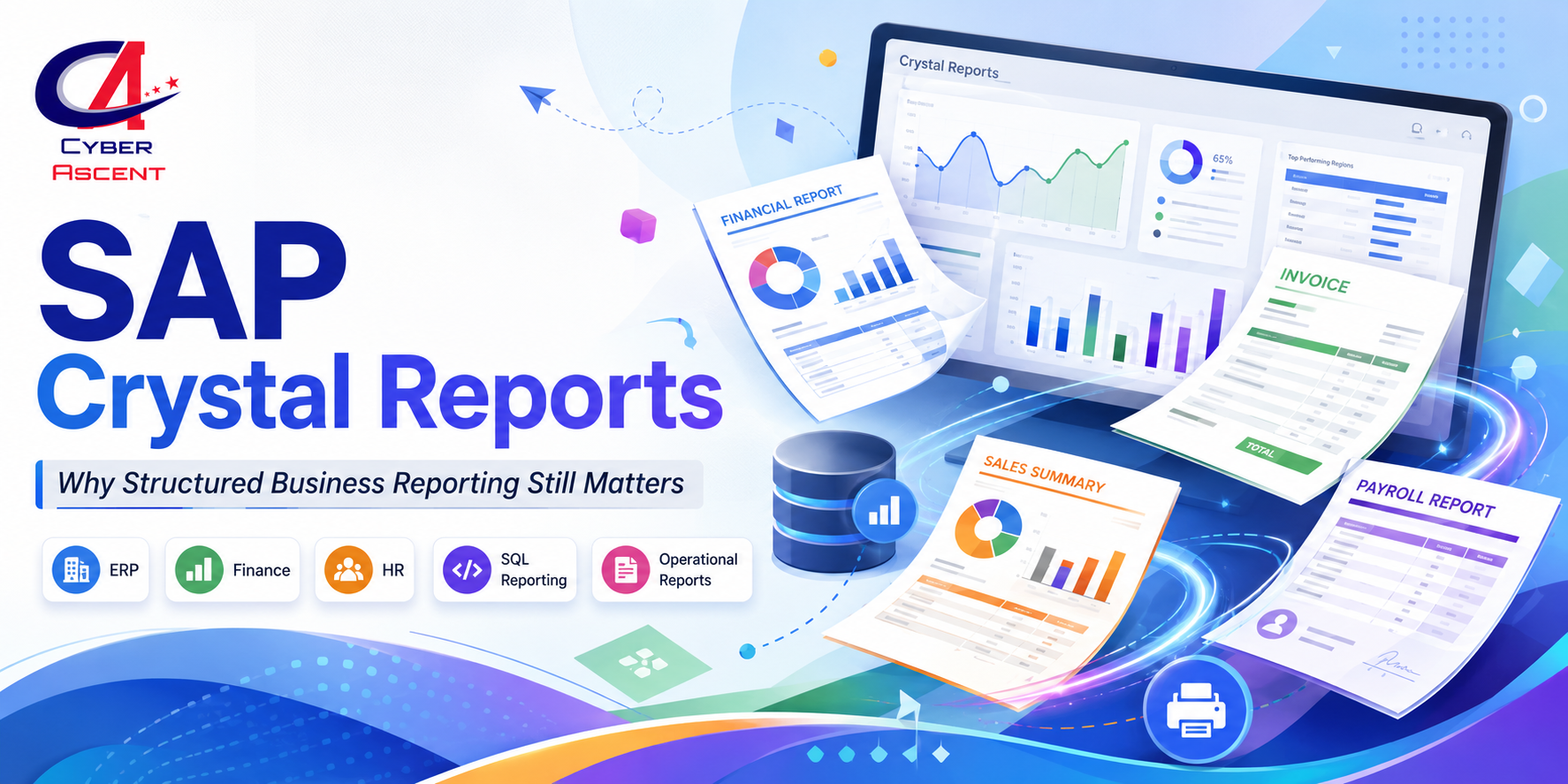
Crystal Reports for ERP, Finance, and HR Reporting: Why Operational Reports Still Matter
Most business-critical reports are not dashboards.
They are invoices, payroll summaries, purchase orders, compliance documents, inventory reports, sales reports, audit reports, and HR records that business teams depend on every day.
In a world where everyone talks about dashboards, AI, and modern analytics, many companies still need structured, printable, database-driven reports. This is where SAP Crystal Reports continues to remain useful for ERP, finance, HR, and operational reporting.
Why Crystal Reports Still Matters in Business Reporting
Modern dashboards are excellent for visual analysis. They help leaders track KPIs, explore trends, and make faster decisions.
But not every business report is meant to be explored visually.
Some reports must follow a fixed format. They must be printable, shareable, scheduled, exported, approved, audited, and sometimes submitted for compliance or customer-facing purposes.
Examples include:
-
Customer invoices
-
Payroll reports
-
Purchase orders
-
Tax reports
-
Employee records
-
Sales summaries
-
Inventory reports
-
Vendor statements
-
Audit reports
-
Compliance documents
These reports often need exact formatting, page layout control, grouping, formulas, totals, parameters, and database connectivity.
SAP Crystal Reports is designed for this kind of structured business reporting. SAP describes Crystal Reports as a business intelligence reporting tool that can connect to many data sources, including databases, enterprise systems, and cloud services, and can create customized reports for business users.
Dashboards vs Operational Reports
Many learners confuse dashboards with operational reports. Both are useful, but they solve different problems.
A dashboard helps answer questions like:
-
What is our sales trend this month?
-
Which region is performing better?
-
Which product category is growing?
-
What KPIs need management attention?
An operational report helps answer questions like:
-
What invoice should be sent to this customer?
-
What is the payroll summary for this month?
-
What purchase order needs approval?
-
What inventory report should be exported?
-
What audit document should be submitted?
Dashboards are interactive. Operational reports are structured.
Dashboards are often visual. Operational reports are often document-based.
Dashboards help with analysis. Operational reports help with execution, documentation, and business process control.
That is why many ERP, finance, HR, retail, insurance, logistics, and manufacturing systems still need formatted reports even when they also use BI dashboards.
Crystal Reports in ERP Reporting
ERP systems handle core business processes such as finance, procurement, inventory, sales, HR, billing, and operations.
In ERP environments, reports are not just “nice to have.” They are part of daily work.
Crystal Reports can be used to build ERP-related reports such as:
-
Purchase order reports
-
Sales order reports
-
Vendor payment reports
-
Inventory movement reports
-
Goods receipt reports
-
Billing reports
-
Customer account statements
-
Tax and compliance reports
These reports often pull data from structured databases and present it in a clean format that business users can print, export, approve, or share.
For learners, this makes Crystal Reports a practical skill because many companies still need professionals who can understand databases, business logic, report design, parameters, formulas, and output validation.
Crystal Reports in Finance Reporting
Finance teams need accuracy, structure, and consistency.
A finance report is not just a chart. It may become a formal business document.
Crystal Reports is useful for finance-related reporting such as:
-
Invoices
-
Receipts
-
Account statements
-
Payment summaries
-
Tax reports
-
Revenue reports
-
Expense reports
-
Profit and loss extracts
-
Audit support reports
-
Customer billing documents
Finance reports usually require totals, subtotals, grouping, conditional formatting, formulas, date filters, and export options.
For example, a company may need a monthly customer billing report that always follows the same layout. Business users may want to export it to PDF, send it by email, or keep it for audit records.
In such cases, a structured reporting tool can be more suitable than a dashboard.
Crystal Reports in HR Reporting
HR departments also depend on structured reports.
These may include:
-
Employee master reports
-
Payroll summaries
-
Attendance reports
-
Leave reports
-
Department-wise employee reports
-
Appraisal reports
-
Benefits reports
-
Compliance reports
-
Joining and exit reports
HR reports often contain sensitive and structured information. They may need clean formatting, role-based access, date filters, employee grouping, and scheduled distribution.
Crystal Reports skills can help professionals support HR systems, payroll applications, ERP modules, and internal reporting teams.
Why Companies Still Need Crystal Reports Professionals
Many organizations already have hundreds or thousands of existing reports built over many years.
These reports may be connected to ERP systems, SQL databases, Oracle databases, SAP systems, HR systems, finance systems, and custom business applications.
Companies need professionals who can:
-
Understand existing report logic
-
Modify old reports
-
Fix broken database connections
-
Update formulas and parameters
-
Improve report performance
-
Validate report output
-
Export reports to PDF, Excel, Word, or other formats
-
Support business users
-
Help migrate or modernize legacy reports
SAP’s documentation also shows that Crystal Reports supports exporting reports in different formats, including page-based and record-based formats. This matters because business users often need reports in PDF, Excel, Word, or similar formats for daily operations.
Crystal Reports and SQL Skills
Crystal Reports becomes much more powerful when combined with SQL knowledge.
A report developer should understand:
-
Tables
-
Joins
-
Views
-
Stored procedures
-
Filters
-
Parameters
-
Grouping
-
Aggregations
-
Date conditions
-
Performance optimization
For example, if a report is slow, the issue may not be the report design alone. It may be the SQL query, joins, filters, database indexes, or the amount of data being pulled.
That is why Crystal Reports training should not focus only on drag-and-drop report design. It should also include database connectivity, SQL basics, report performance, and real business scenarios.
Crystal Reports vs Power BI: Which One Should You Learn?
This is a common question.
Power BI is excellent for dashboards, interactive analytics, KPI tracking, and visual storytelling.
Crystal Reports is useful for structured, printable, operational, and document-style reporting.
A practical professional should understand both use cases.
Use Crystal Reports when the business needs:
-
Fixed layout reports
-
Printable invoices
-
Payroll summaries
-
Purchase orders
-
Compliance reports
-
Operational documents
-
Scheduled reports
-
Database-driven structured outputs
Use Power BI when the business needs:
-
Interactive dashboards
-
KPI monitoring
-
Drill-down analysis
-
Visual storytelling
-
Trend analysis
-
Self-service analytics
For career growth, learning Crystal Reports can be useful for reporting support, ERP reporting, finance reporting, HR reporting, SQL reporting, and BI migration roles.
Career Opportunities with Crystal Reports
Crystal Reports skills can support roles such as:
-
Crystal Reports Developer
-
BI Report Developer
-
SQL Report Developer
-
ERP Report Support Analyst
-
Business Intelligence Support Analyst
-
Finance Reporting Analyst
-
HR Reporting Analyst
-
Application Support Analyst
-
Legacy Reporting Migration Consultant
It may not always be marketed as a “new-age” skill, but it is still practical in companies that depend on structured business reports.
Many professionals also use Crystal Reports knowledge as a bridge toward Power BI, SAP BusinessObjects, SQL reporting, ERP support, and business intelligence roles.
What Should Beginners Learn in Crystal Reports?
A beginner-friendly Crystal Reports learning path should include:
-
Crystal Reports basics
-
Report design and formatting
-
Database connectivity
-
Tables, joins, and SQL basics
-
Parameters and filters
-
Formulas and conditional formatting
-
Grouping and sorting
-
Charts and cross-tabs
-
Subreports
-
Exporting and scheduling
-
ERP, finance, and HR reporting examples
-
Real-time project practice
The most important part is not just learning the tool. Learners should understand how real business reports are created, validated, modified, and supported.
Why Learn Crystal Reports with Cyber Ascent?
Cyber Ascent’s SAP Crystal Reports Training is designed for learners who want practical reporting skills, not just theory.
Our training focuses on:
-
Live instructor-led learning
-
Hands-on report building
-
Real-time business reporting scenarios
-
ERP, finance, and HR reporting examples
-
SQL and database connectivity basics
-
Parameters, formulas, grouping, and formatting
-
Interview preparation
-
Career-focused guidance
If you want to build practical reporting skills for real-world enterprise projects, Crystal Reports can be a useful skill to add to your profile.
#SAPCrystalReports #CrystalReports #CrystalReportsTraining #SAPTraining #ERPReporting #FinanceReporting #HRReporting #SQLReporting #DatabaseReporting #BusinessIntelligence #BIReporting #OperationalReports #StructuredReports #InvoiceReporting #PayrollReports #PurchaseOrderReports #ComplianceReporting #ReportDeveloper #PowerBI #CyberAscent


Comments (0)